Share Test Suites with Other Users
Share a test suite with other users via email. The recipient receives an email with the test suite summary, the message provided, and a link to the specific test suite for easy access.
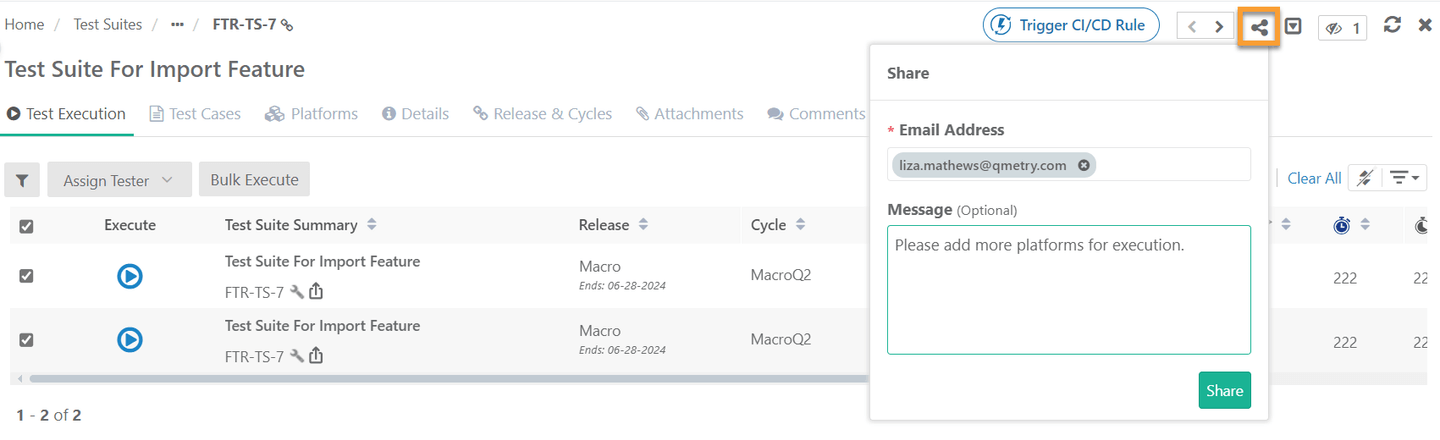 |
To share test suites, perform these steps:
Open the test suite details page.
Click the Share icon at the top.
Enter the email addresses to share the test suite.
Enter the message (optional).
Click the Share button.
Get Test Suite Link
Get the test suite link and share it with other users to provide direct access to a specific issue. Authorized members can access the test suite directly via the shared link.
 |
To copy the test suite link, perform these steps:
Open the test suite details page.
Click the Copy Link icon on the breadcrumb navigation.
Share this link via any preferred communication channel.
The following is the syntax of the URL:
https://<URL>>#/<AssetType>/<AssetKey>