Linking Test Suites and Requirements in Bulk
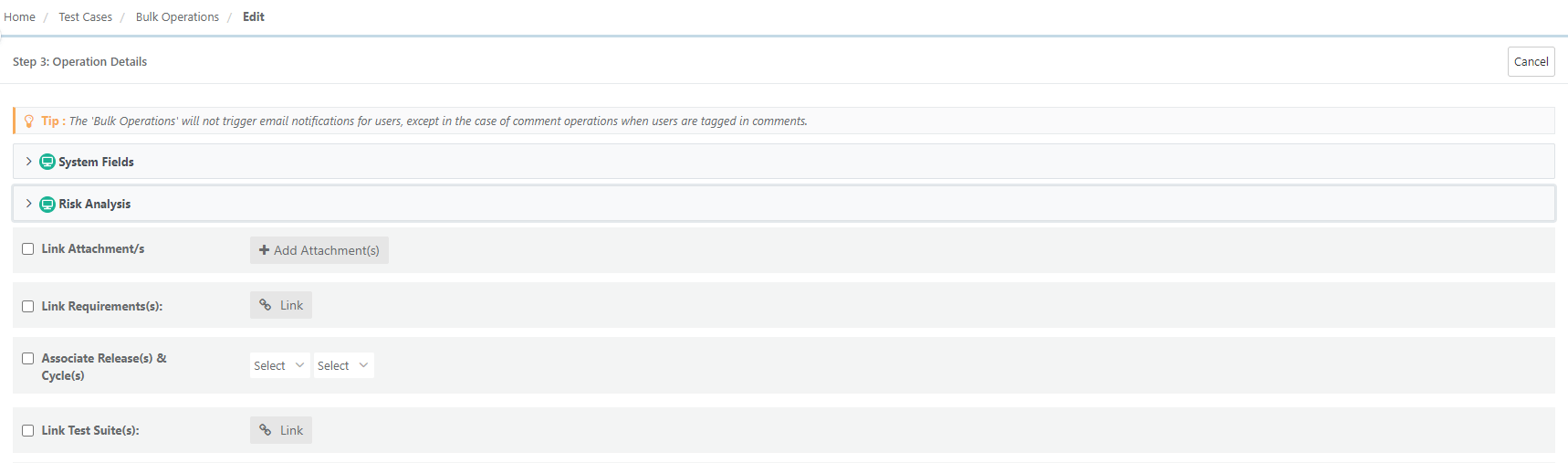
To link test suites and requirements in bulk, perform the following steps:
 |
Go to the Test Case module.
Click the Cog (⚙️) icon to select bulk operations.
On the Bulk Operations screen, select Edit.
Check Link Requirements or Link Test Suites.
Choose records from the available options.
Click Update.