Create Test Cases from Requirements
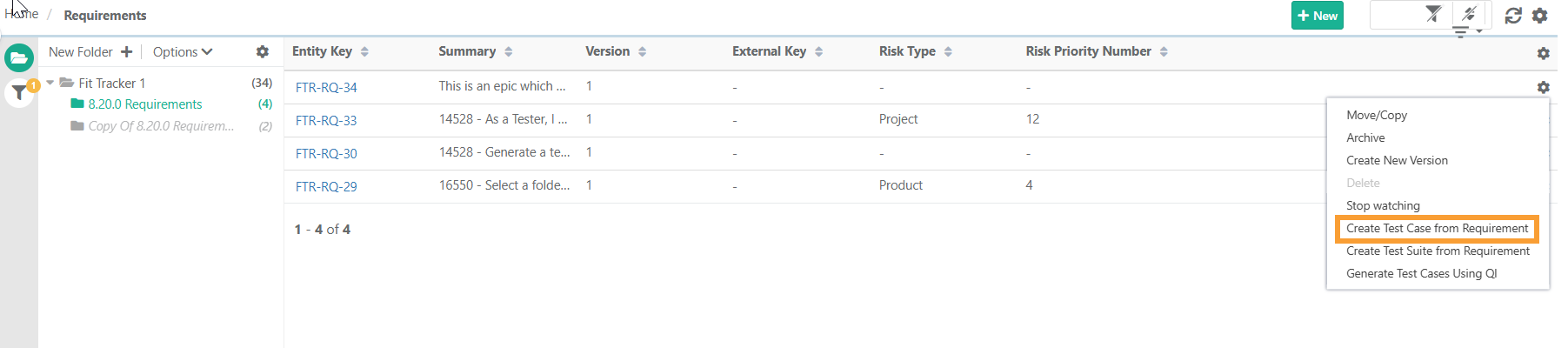
Create a test case directly from a requirement. QMetry automatically copies the common fields from the requirement into the new test case. The linked test cases are displayed under the Test Cases tab on the Requirement’s Details page.
Creating test cases directly from a requirement ensures they map to the relevant requirement from the start.
Note
Get Create rights for the Test Case module from Roles.
Requirement and its version must be in unarchived state.
To create test cases from requirements, perform the following steps:
 |
Go to the Requirement module.
Next to the requirement, click the Cog (⚙️) icon.
Select from the menu.
Create Test Case from Requirement opens the Create Test Case screen with the requirement pre-linked to the new test case.