Deleting Requirements
Note
Admins can set Delete rights for the requirement module from Roles.
Deleting a requirement is a two-step process:
Archiving all versions of the Requirement.
Deleting all versions of the Requirement.
Note
Archive a requirement first in order to delete it.
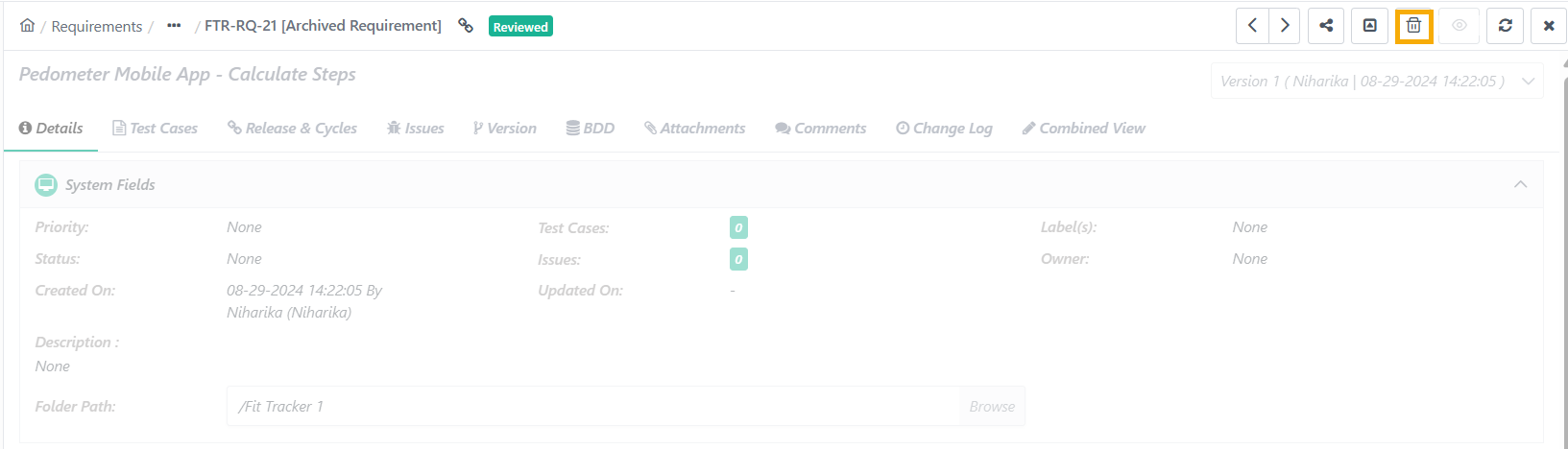
To delete a requirement, perform these steps:
Go to the Requirement Details Page.
Click the Delete icon.