Map Tests from the Reflect Test Details Page
You can map tests directly from the Reflect test details page or edit existing mappings from this screen.
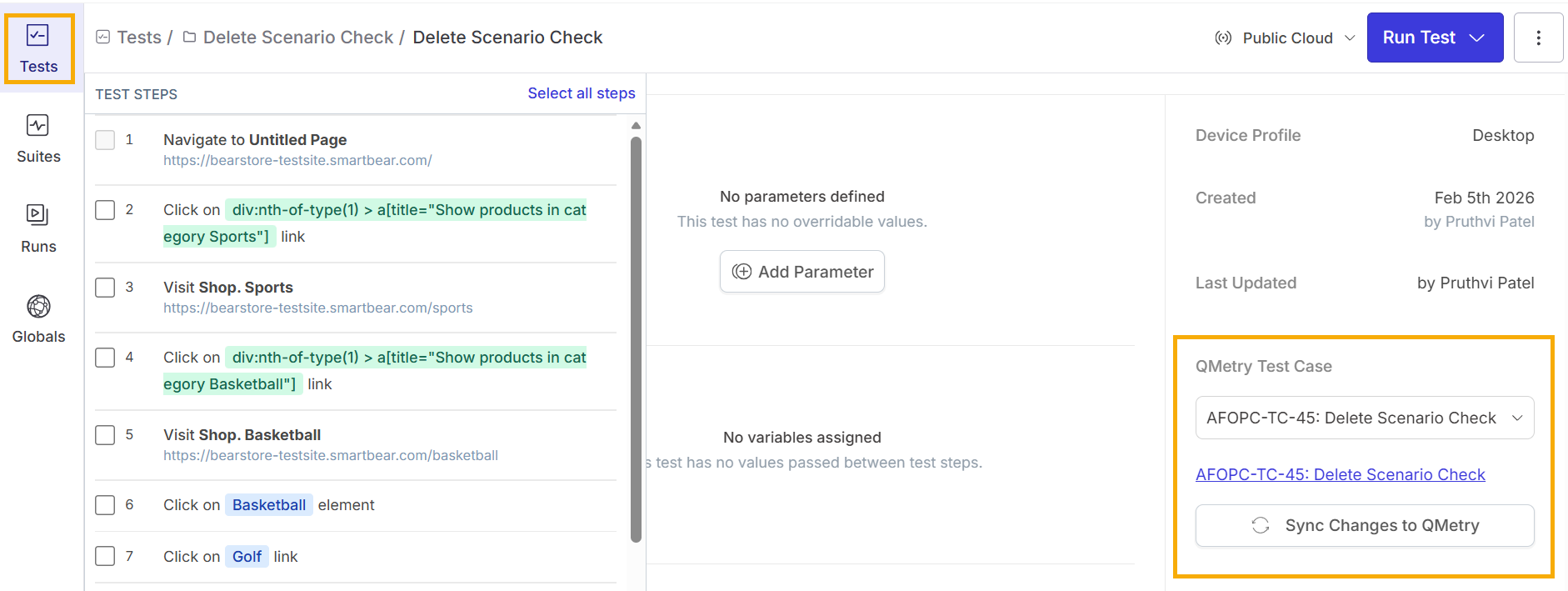
To map a test:
Sign in to Reflect.
Go to Tests.
Select the test.
Go to the QMetry Test Case section.
Select a QMetry test case from the drop-down list.
After you save the mapping, the Reflect test details show:
The mapped QMetry Test Case Key and Summary.
A link that navigates you to the Test Case in QMetry.
A Sync Changes to QMetry button.