Editing a Test Suite
Edit or update a test suite from the Details screen using the in-place editor.
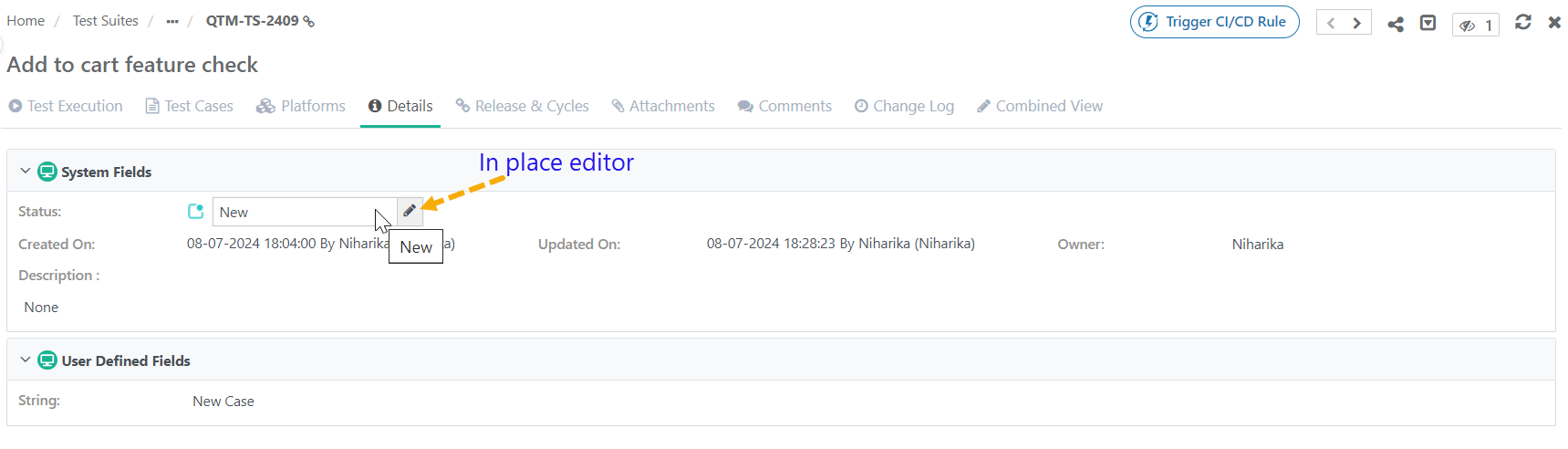 |
To edit a test suite, perform the following steps:
Go to the test suite details screen.
Hover over the values to edit.
Enter the new values and save your changes.
Note
Changing the folder path moves the asset to a different folder.
Editing Associate Releases and Cycles

To associate additional releases and cycles with an existing test suite, perform these steps:
Note
Click Unassociate to remove an association for the release and cycle combination.
To view archived releases and cycles, go to filters and select Show Archived.
Click Add New.
Select the releases and cycles from the drop-down lists.
Click to apply the new associations.