Moving Test Suites
Move test suites from one folder to another in any of the three following ways:
Move individual test suite
Move test suite folder
Move test suites in bulk through Bulk Operations
Moving Individual Test Suites
Go to the Test Suites module.
Click the Cog (⚙️) icon for the test suite and select Move.
Select the destination folder and click Move.
Move Test Suite Folder
To move a test suite folder, perform these steps:
Go to the Test Suite Module.
Right click the folder name.
Select Bulk Move.
Select the destination folder and click .
Moving Test Suites in Bulk
To move test suites in bulk, perform the following steps:
Go to the Test Suites module.
Click the Cog (⚙️) icon and select Bulk Operations.
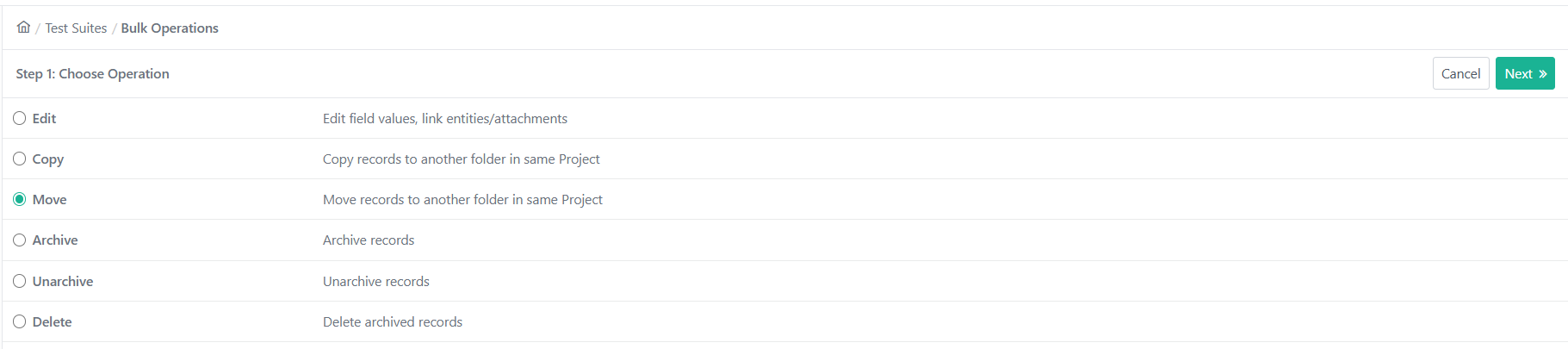
Select Move and click Next.
Select test suites and click Next.
Select the destination folder or create a new folder to move the selected test suites.
Click Move