Syncing Requirements with Test Cases
Update test cases with the latest version of the linked requirement. When a new requirement version is available, the Sync icon in the Requirement Version column turns blue.
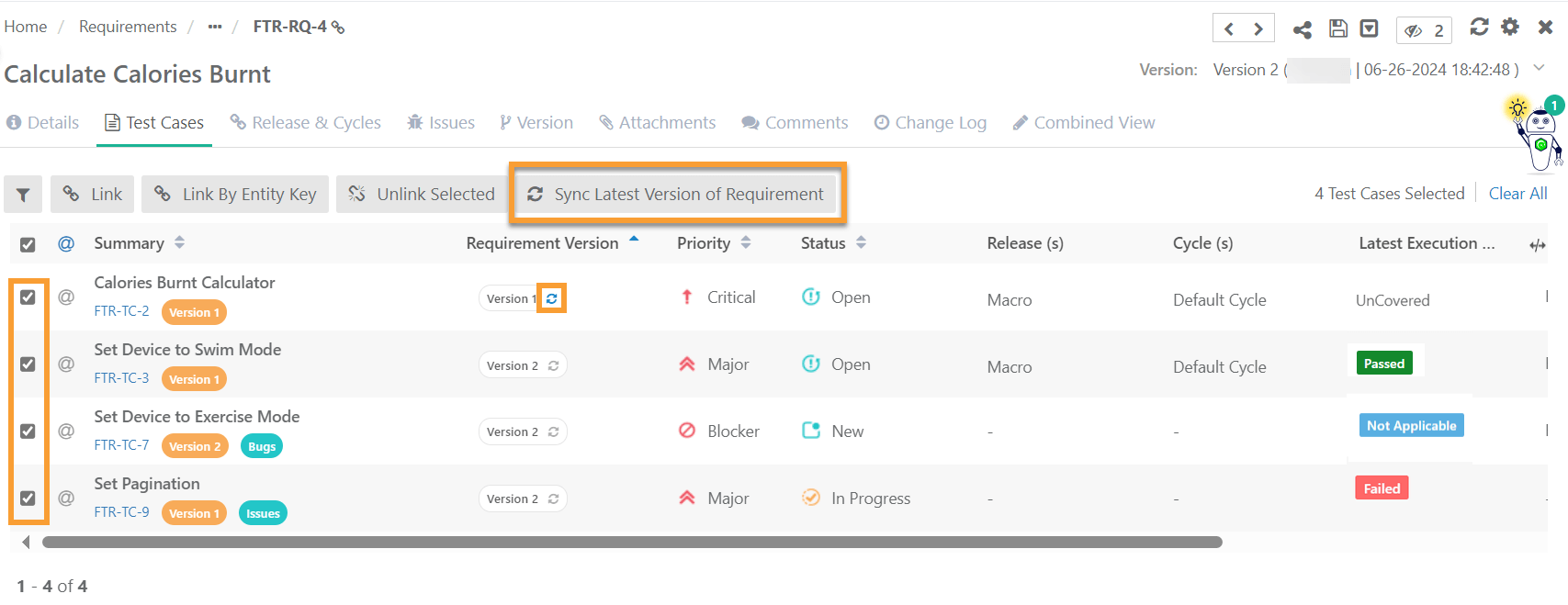 |
To sync a single test case, click the blue Sync icon next to the test case.
To sync multiple test cases in bulk, select the test cases and click .
For bulk synchronization, the system displays progress under Scheduled Tasks.