Create Bulk Data for Performance Testing
To create bulk data for performance testing, perform the following steps:
Go to Test Cases and select Data Grid.
Enter the DataGrid name.
Select the Projects to associate with the Data Grid.
Set the columns as needed.
Click Autofill Values.
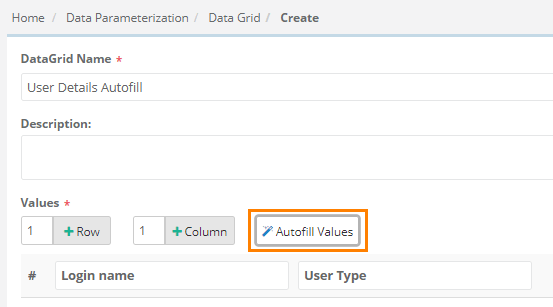
It gives two options:
Unique Values: Creates a Data Grid with unique combinations of values in sequential order.
Randomize Data: Creates a Data Grid with repeated values, regardless of how many times they are used.
Note
For Randomize Data, specify the number of rows to generate. You can create up to 100 rows at a time.
Click Yes.