Configuring Risk-Based Testing
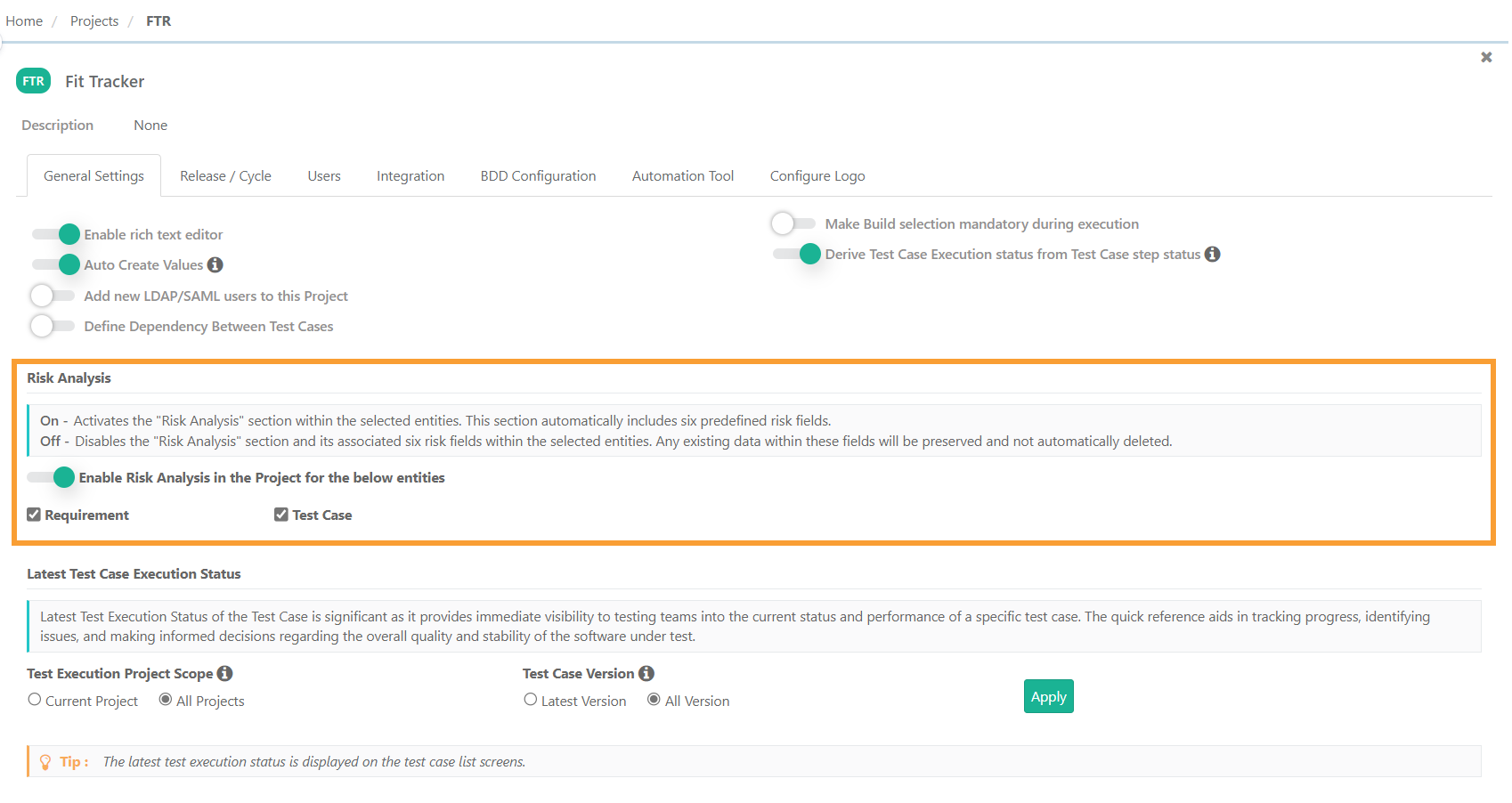
To configure Risk-Based Testing, perform the following steps:
 |
Go to Project Management and click Projects.
Open the General Settings tab.
Move to the Risk Analysis section.
If Enabled
The system displays Risk Analysis fields for unarchived test cases, requirements, Data Parameterized test cases, and Exploratory test cases.
Copying entities in the same project also copies their values.
Copying entities to a different project transfers values only if RBT is turned on.
For Projects with Jira Integration, the following fields are displayed on the Test Case detail page in Jira:
Risk Type
Risk Category
Likelihood
Impact
Risk Priority Number (RPN)
Extent of Testing
If Disabled
The values are hidden but preserved. Re-enabling will restore the Risk Analysis values.