Success Rate Instance Level Settings
To activate the AI feature for QMetry users, the QMetry super administrator must enable it for the QMetry instance in the Customization module under General Settings and Audit.
Note
Only the QMetry super admin can access and configure QMetry Intelligence Configuration.
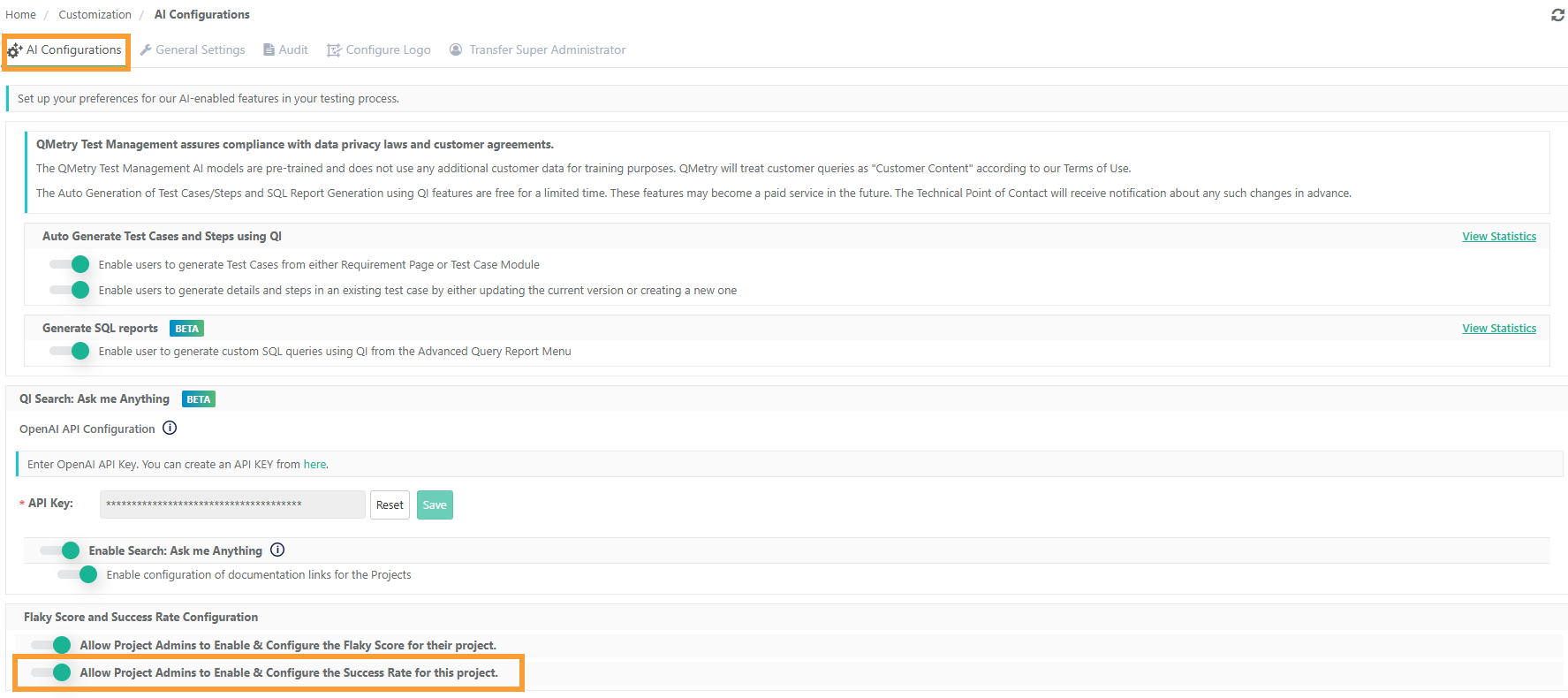
To enable this feature, go to AI Configuration and select Flaky Score and Success Rate Configuration (Default: Disabled)
There are two settings for Flaky Score and Success Rate, each.
Allow Project Admins to Enable and Configure the Flaky Score for their project
Allow Project Admins to Enable and Configure the Success Rate for this project
Enable the Allow Project Admins to Enable & Configure the Success Rate for this project settings for Success Rate calculations.
 |