Update a Reflect-created Test Case
You can sync updates made in Reflect to QMetry. To update a Reflect-created test case in QMetry:
 |
Open the test in Reflect.
Select the test step you want to update.
Modify the step as required.
Click anywhere on the screen to display the Save button.
Select Save.
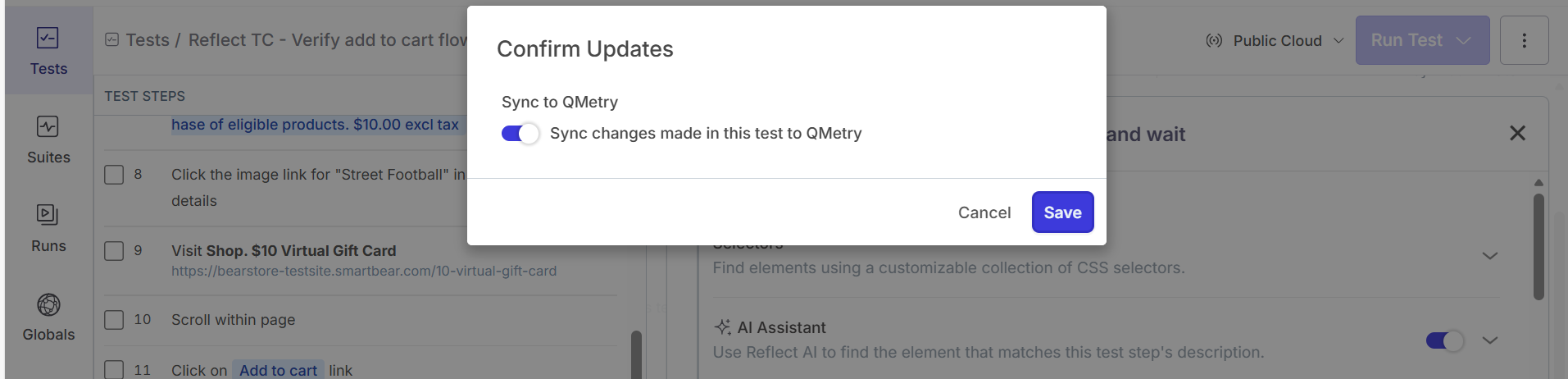
Enable Sync changes made in this test to QMetry, and then select Save.
QMetry creates a new version of the test case and updates the test steps.