Creating Your QMetry Account
To register as an administrator, perform the following steps:
Go to the Smartbear website.
Go to Products and select QMetry Test Management.
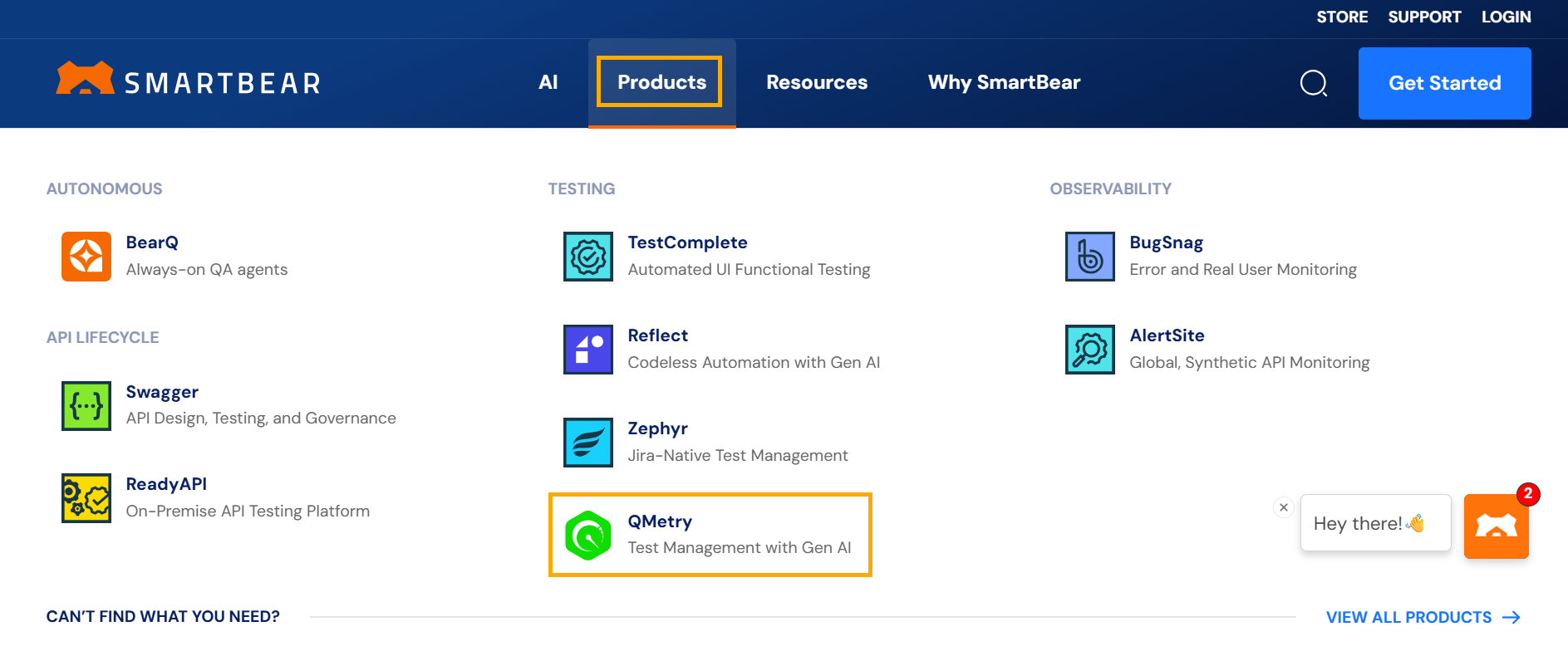
Select .
Fill the registration form and select Start Free Trial.
Check your inbox for an email from QMetry Support.
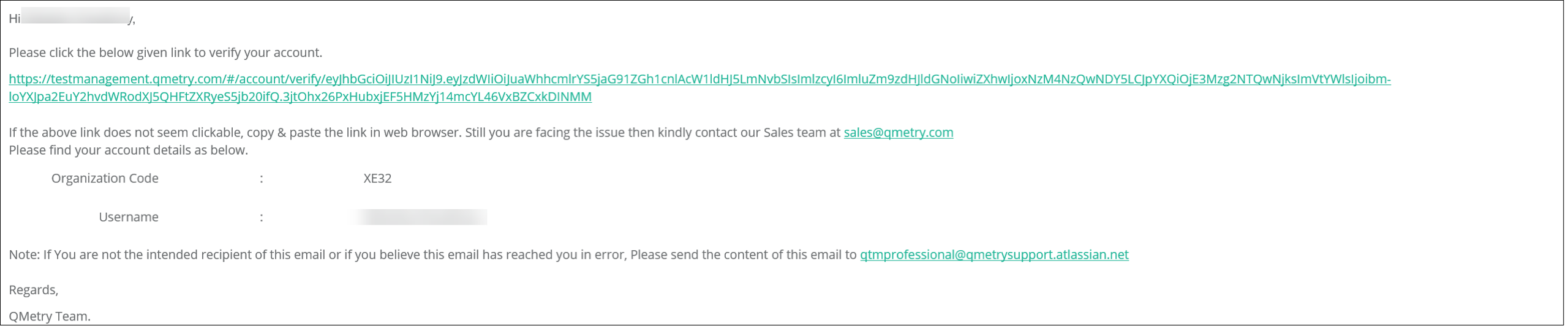
Select the activation link and note the organization code.
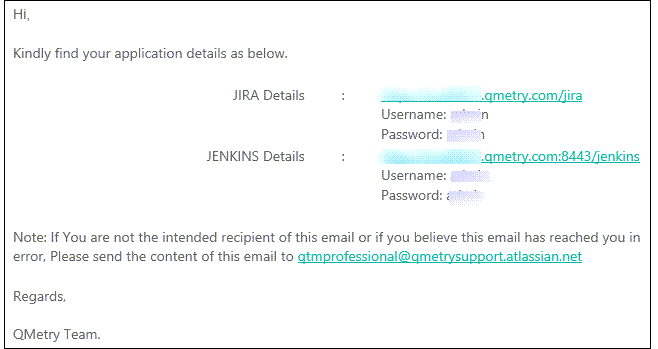
Check for another email that contains the login details and links for Jira and Jenkins.
After activation, set a password to access QMetry.
Your registration is complete, and you can log in to your QMetry account using your username, password, and organization code sent through email.
Note
The Jira and Jenkins links are for evaluation purposes only and are valid only until your QMetry evaluation expires.