Creating Your QMetry Account
To register as an administrator, follow these steps:
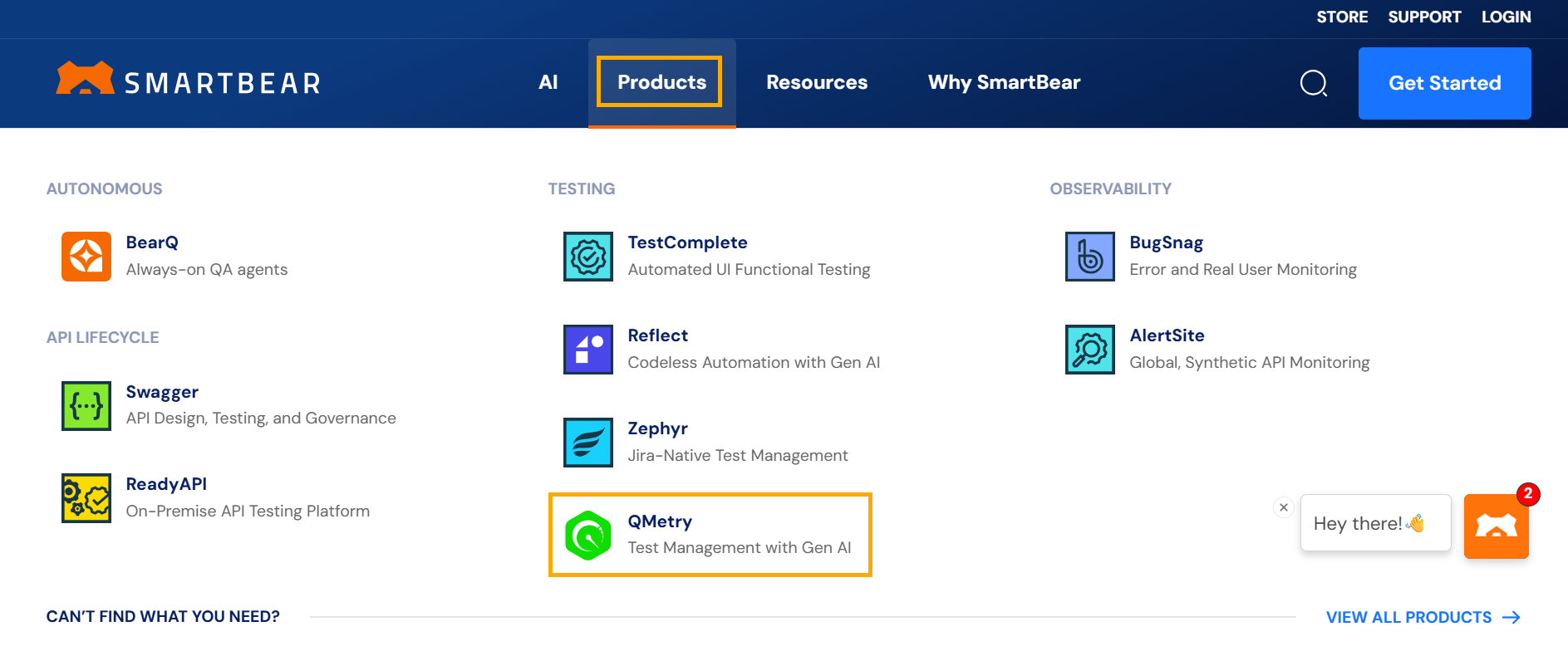
Visit Smartbear website.
Go to Products and select QMetry Test Management.
Click .
Fill the registration form and click Start Free Trial.
Check your inbox for an email from QMetry Support.
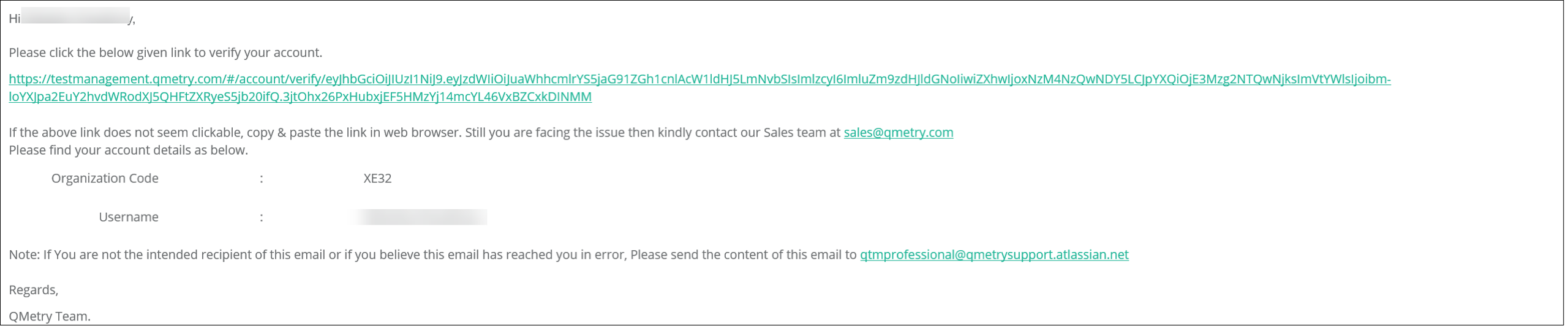
Click the activation link and note the organization code.
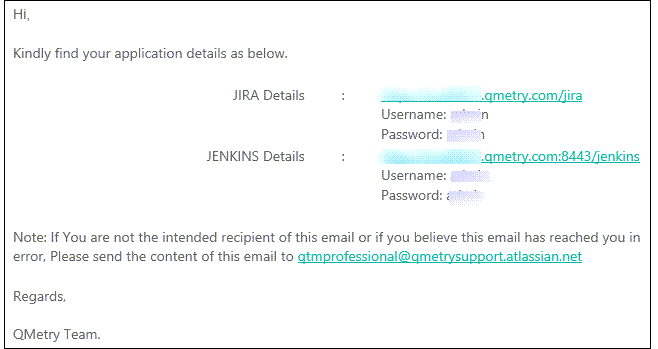
Check another email containing links for Jira and Jenkins with login details.
Note
These links are for evaluation purpose only and are valid only till your QMetry evaluation expires.
After activation, set a password to access QMetry.
Your registration is complete, and you can login to your QMetry account using your username, password and organization code (sent through email).
After registration, the Super Administrator, can add new users through the Users section.