Installing QMetry Extension in Azure DevOps
Overview
To integrate QMetry with Azure DevOps, the Azure DevOps Admin must install the QMetry Test Management Extension for Azure DevOps from the Azure DevOps Marketplace and configure the settings to establish the connection.
Pre-requisites
You must have a valid QMetry (cloud or server) account.
You must have an Azure DevOps super admin account for performing the installation.
Installing QMetry Test Management Extension in Azure DevOps
To install the QMetry Extension in Azure DevOps, the Azure DevOps super admin must perform the following steps:
Sign in to Azure DevOps using administrator credentials. Admin access is required to install the extension from the Azure DevOps Marketplace.
Search for QMetry Test Management Extension for Azure DevOps.
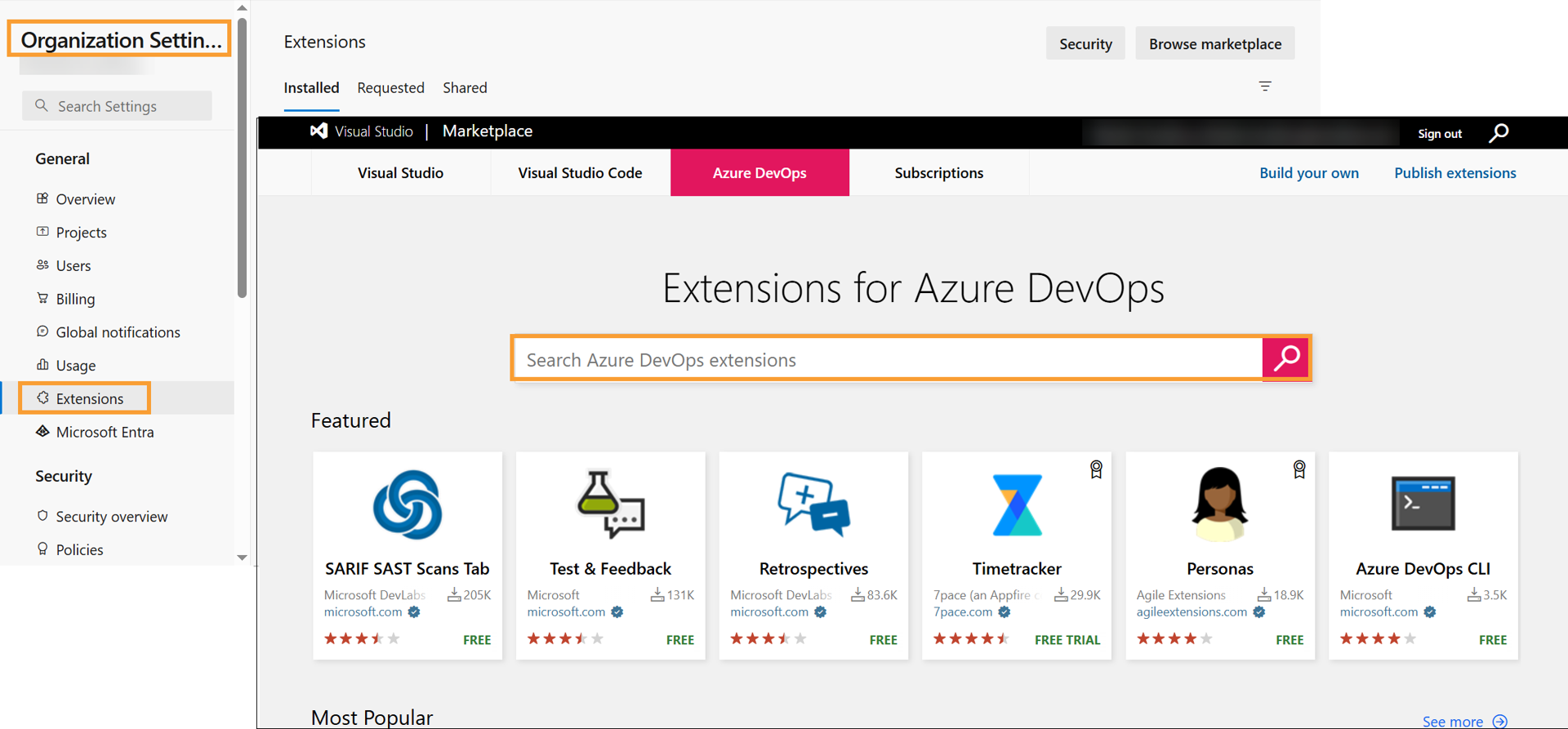
Click on the QMetry Test Management Extension for Azure DevOps listing.
Select Get it free.
Sign in with your Microsoft account.
Go to your Azure DevOps Organization Settings.
Navigate to Extensions and install the QMetry Test Management Extension for Azure DevOps.
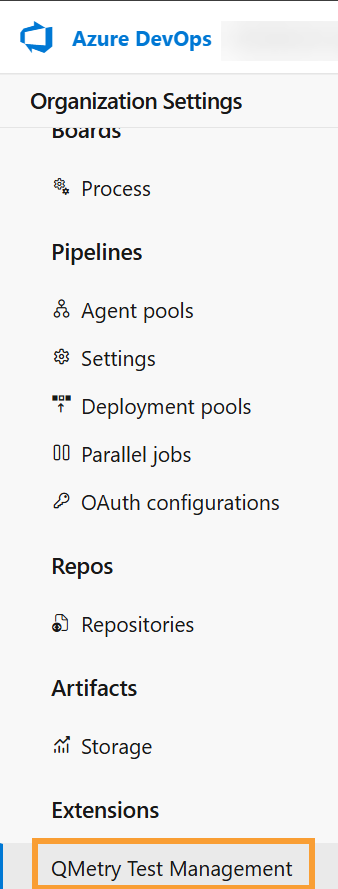
Support Matrix of QMetry and Azure DevOps Instances
The following support matrix outlines the supported QMetry and Azure DevOps environments.
QMetry | Azure DevOps | Supported? |
|---|---|---|
Cloud | Cloud | Yes |
Server | Cloud | Yes |
Cloud | Server | No |
Server | Server | No |