Copying and Moving Test Cases
Reuse the test case across different folders and projects with Copy operation.
Note
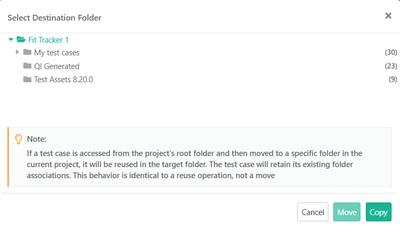
Select a destination folder while copying, else the system places the copied test cases in Root folder.
Copied test cases do not inherit folder associations.
 |
Move test cases within the current project, either individually or in bulk.
From a Specific Folder
Moving a test case removes it from the source folder and adds it to the destination folder.
From the Root Folder
Moving a test case from the Root folder, adds it to the destination folder without removing it from the Root folder.